
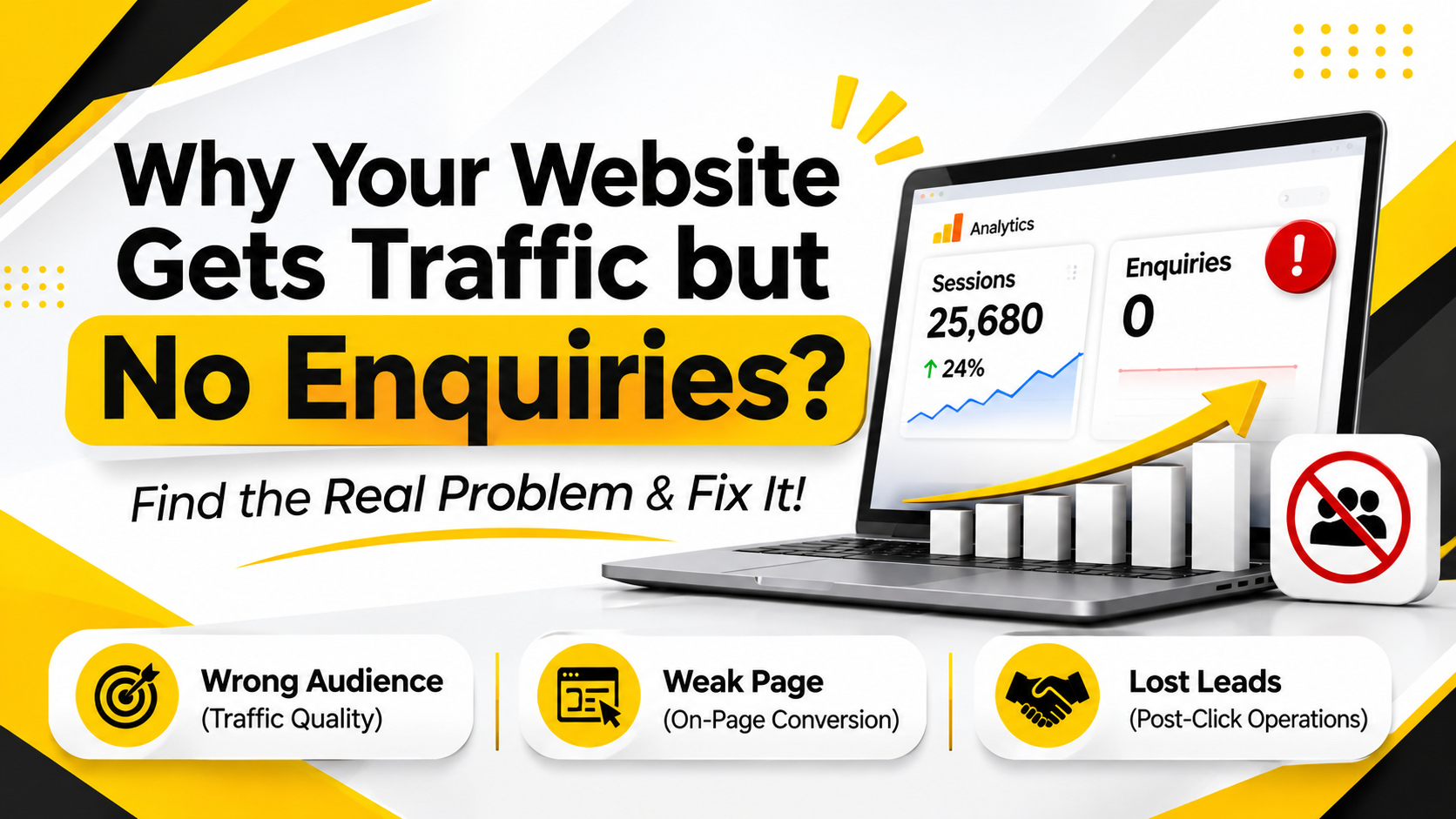
Your analytics look fine. Sessions are up, rankings are climbing, and the monthly report has a nice green arrow. But the phone is quiet and the inbox is empty.
This is one of the most common problems I see with business websites. The frustrating part is that it rarely has one cause. Traffic without enquiries is a symptom, and the real problem sits in one of three places:
-
The wrong people are visiting. (Traffic quality)
-
The right people visit, but the page doesn't convince them. (On-page conversion)
-
People do enquire, but you lose them after they hit send. (Post-click operations)
Most articles on this topic only cover the second one. We'll cover all three, and show you how to find out which one is hurting you before you change anything.
Start Here: Which Problem Do You Actually Have?
Don't redesign your site yet. Spend 30 minutes diagnosing first. Otherwise you'll fix the wrong thing and wait three months to find out.
Use this quick matrix.
|
What you see |
Likely problem |
Where to look first |
|
High traffic, mostly to blog posts, almost no visits to service pages |
Traffic quality |
Search Console queries |
|
Good traffic to service pages, high bounce, few form starts |
On-page conversion |
GA4 pages report, heatmaps |
|
Form submissions exist, but few turn into calls or sales |
Post-click operations |
CRM, call logs, response times |
|
Traffic from countries or cities you don't serve |
Traffic quality |
GA4 location report |
|
Mobile visitors leave much faster than desktop |
On-page conversion |
Mobile speed and layout |
If two rows fit you, that's normal. Fix them in the order shown above: audience first, page second, follow-up third. There's no point polishing a page for people who were never going to buy.
Problem 1: You're Attracting the Wrong Audience
This is the most overlooked cause, and the hardest to hear. Your SEO may be working perfectly. It's just working for the wrong searches.
Informational traffic doesn't enquire
Someone searching "what is schema markup" wants an explanation. Someone searching "SEO agency in Dubai" wants to hire. Both can land on your site, but only one is likely to contact you.
A blog can bring in 20,000 visits a month and generate zero leads if every post targets questions. That traffic still has value (awareness, links, brand recall), but you can't judge it by enquiries.
How to check it in Google Search Console:
-
Open Performance and go to Search results.
-
Click + New and add a Query filter using a custom regex.
-
Paste this to see question-style searches: ^(what|why|how|when|can|does|is|are)\b
-
Note the share of clicks these queries bring in.
-
Now run a second filter for buying-style words: price|cost|agency|company|near me|services|hire|quote|best
-
Compare the two.
If 80% of your clicks come from the first group and 5% from the second, you've found your answer. You don't have a conversion problem. You have an intent problem.
Location mismatch
A Chennai clinic getting most of its visits from the US is not winning. Neither is a Dubai service company ranking well in Pakistan or the Philippines.
In GA4, go to Reports > User attributes > Demographic details and look at country and city. If most of your sessions come from places you can't serve, tighten your content and targeting. Add city names where they honestly apply, build proper local landing pages with solid local SEO behind them, and stop writing broad "global" posts that pull in visitors you can't help. A focused content marketing plan ties each post to a buyer you can actually serve.
Paid ads sending junk clicks
If you run Google Ads, open the Search terms report. Read the actual phrases people typed. You'll often find students, job seekers and DIY researchers burning your budget. Add them as negative keywords ("free", "jobs", "course", "template", "DIY") and watch your lead cost drop within a couple of weeks.
Problem 2: Your Page Doesn't Convince the Right Visitor
So the right people are arriving. Now ask what they see in the first five seconds.
Your homepage fails the five-second test
Show your homepage to someone for five seconds, then hide it. Ask three questions:
-
What does this company do?
-
Who is it for?
-
What should I do next?
If they can't answer, neither can your visitors, and they won't scroll to find out. A strong hero section states who you help, the problem you solve, and the next step. In that order, in plain words.
Your headline is corporate wallpaper
"Transforming possibilities." "Innovative solutions for modern enterprises." These lines could describe any company on earth, which means they describe none.
Good headlines are specific. They name a result, a customer, or a timeframe. Compare:
|
Weak (about you) |
Stronger (about them) |
|
Innovative Tech Solutions for Enterprise Growth |
We Cut App Development Timelines by 30% for B2B Services |
|
Your Trusted Digital Marketing Partner |
More Booked Appointments for Chennai Clinics, Without Wasting Ad Spend |
|
Excellence in Real Estate |
Verified Plots in Chennai, With Clear Titles Before You Pay a Rupee |
|
We Provide Quality Cybersecurity Services |
Find Out If Your Business Can Survive a Ransomware Attack in 48 Hours |
|
Welcome to Our Clinic |
Siddha Treatment for Back Pain, From a Registered Practitioner in Chennai |
Notice the pattern. The weak versions say "we". The stronger ones say what the visitor gets.
A quick rewrite test: circle every "we" and "our" on your homepage. If they outnumber your "you" and "your", the copy is talking to a mirror.
One thin Services page for everything
This is a big one. A single page listing eight services in short paragraphs can't rank well and can't convince anyone. A person searching for "Meta ads for real estate" wants a page about exactly that.
Build one page per service. Each should cover who it's for, what's included, how it works, what it costs (or what affects cost), proof, and a clear next step. It's more work, but these pages are where enquiries actually come from.
Your calls to action are hiding
A CTA buried in the footer isn't a CTA. Put one:
-
Above the fold, so no scrolling is needed.
-
Mid-page, after you've made your case.
-
At the bottom, for people who read everything.
Use specific wording. "Get a free quote" beats "Submit". "Book a 15-minute call" beats "Contact us".
Also watch for the opposite problem: too many CTAs. If one page offers "Call now", "Download brochure", "Join newsletter", "Book demo" and "Chat with us", visitors freeze. Pick one primary action per page and let the rest play a supporting role.
Your form asks for too much
Every extra field costs you submissions. A first enquiry form needs three things at most: name, phone or email, and a short message. You can ask about budget, timeline and company size on the call.
If you're serious about a longer form for lead quality, test it. Run the short version for two weeks and the long version for two weeks, then compare lead volume and lead quality. Don't guess.
No reason to trust you
People don't hand over their number to strangers. Look at your site through a skeptical visitor's eyes:
-
Are there real client reviews, with names and ideally photos?
-
Do you show case studies with actual numbers?
-
Is there a real team page with faces and qualifications?
-
Do you display certifications, awards or client logos you're allowed to use?
-
Is there a real address, phone number and business registration detail?
This matters even more in healthcare, finance, real estate and IT security, where trust is the whole purchase. A clinic page with no practitioner name or qualification is asking visitors to take a leap of faith. Most won't.
Your mobile experience is painful
Most of your visitors are probably on phones. Open your own site on one, on mobile data, not Wi-Fi. Then check:
-
Does the page load in under three seconds?
-
Is the text readable without zooming?
-
Can you tap the buttons without hitting the wrong one?
-
Does a pop-up cover the screen the moment you arrive?
-
Is the click-to-call button easy to find?
Run the page through Google PageSpeed Insights and look at the Core Web Vitals results. The usual culprits are oversized images, heavy scripts and too many third-party widgets. Compress images, switch to modern formats like WebP, and remove anything that doesn't earn its weight.
Your site looks outdated
If your business has grown but your website still looks like it did five years ago, visitors notice. An old design signals an old, possibly inactive company. You don't need a full rebuild. Fresh photography, cleaner layout and updated content on your top five pages often does enough. If the site itself is slow or painful to update, professional web development is the cleaner fix.
Problem 3: You're Losing Leads After They Enquire
Here's where most blog posts stop, and where a surprising number of businesses quietly leak money.
You can have a perfect website and still get no business if nobody replies properly.
Speed of response matters enormously
Lead response research has shown for years that contacting an enquiry within the first few minutes gives you a much better chance of qualifying them than waiting an hour or a day. Exact figures vary by study and industry, but the direction is always the same: the longer you wait, the colder the lead gets. The person who enquired with you also enquired with two competitors, and the first one to reply usually wins the conversation.
So check your real response time. Submit a test enquiry from your own site, from a phone, at a random time of day. Then see how long it takes before anyone responds.
Common leaks after the form
-
Forms that fail silently. Notifications go to spam, or to someone who left the company.
-
No auto-reply. The visitor submits and sees nothing. They wonder if it worked.
-
Missed calls. Click-to-call buttons that ring at a desk nobody answers.
-
Unwatched chat. A WhatsApp or live chat button that nobody monitors after 6 pm.
-
No follow-up. One call attempt, then silence.
-
Leads scattered across tools. Some in email, some in a spreadsheet, some in a CRM nobody opens.
A simple automation fixes most of this. Connect your form to a CRM (Zoho, HubSpot, or even a shared sheet), send an instant WhatsApp or email acknowledgement, and alert a named person immediately. Add a reminder if the lead is untouched after 15 minutes. Tools like Zapier can handle this without writing code.
It's not glamorous work. But if you're spending money on SEO or ads, plugging this leak is often the cheapest improvement you can make.
Not Everyone Is Ready to Buy: Use Soft Conversions
Here's a mistake that's easy to make. You find out that your blog traffic is informational, then you slap a "Book a Call" button on every post and wonder why nobody clicks.
Someone reading "what is schema markup" isn't ready to talk to a salesperson. Asking them to is like proposing on a first date.
Match the ask to where the reader is:
|
Reader stage |
Better call to action |
|
Just learning |
Download a checklist, join an email course |
|
Comparing options |
See a case study, use a pricing or ROI calculator |
|
Ready to buy |
Book a call, request a quote, WhatsApp us |
These smaller steps are called micro-conversions. They don't generate sales on day one, but they build a list of people who now know you. A reader who downloads your checklist and gets three helpful emails over two weeks is far warmer than one who bounced from a blog post.
How to Find Your Biggest Leak in GA4
Now let's get practical. This is how to spot pages that get attention but produce nothing.
-
In GA4, open Reports > Engagement > Pages and screens.
-
Sort by Views so your most visited pages are on top.
-
Look at the Key events column (GA4's current name for what used to be called conversions). Make sure your form submissions, calls and WhatsApp clicks are marked as key events first. If they aren't, nothing will show here.
-
Spot pages with high views and zero or near-zero key events.
-
For each one, ask: is this an intent problem (wrong audience) or a page problem (right audience, weak page)?
Then cross-check with Search Console. Open the Pages view, click into the problem page, and look at which queries bring people there. If they're all questions, it's an intent problem. If they're buying phrases and people still leave, it's a page problem.
Track the right numbers
Sessions alone tell you nothing about business. Watch these instead:
-
Website conversion rate: enquiries divided by sessions, per page and per traffic source.
-
Cost per lead: especially if you run ads.
-
Qualified leads: enquiries that fit your service area and budget.
-
Lead-to-customer rate: how many of those actually become paying clients.
A site with 2,000 visits and 40 qualified leads is far healthier than one with 50,000 visits and 3.
A Practical Fix-It Order
If you're overwhelmed, work in this order. Each step is cheap compared to the one after it.
-
Make sure tracking works. You can't fix what you can't measure. Confirm forms, calls and WhatsApp clicks are tracked.
-
Test your own form and response time. Takes ten minutes, often reveals a shocking leak.
-
Audit intent in Search Console. Know what kind of traffic you really have.
-
Rewrite your homepage hero and top service pages. Clear headline, one main CTA, real proof.
-
Cut your form down. Three fields, then test.
-
Fix mobile speed and layout. Images first.
-
Build separate pages for each service. One page, one offer, one search intent.
-
Add soft conversions to your blog. Checklists, calculators, short email sequences.
-
Automate follow-up. Instant acknowledgement, internal alerts, reminders.
-
Review monthly. Look at conversion rate and lead quality, not just traffic.
Final Thoughts
Traffic is not the goal. Enquiries are, and enquiries come from three things working together: the right audience, a page that earns their trust, and a team that responds fast.
When your website gets visitors but no leads, resist the urge to change everything at once. Diagnose first. Check who's arriving, what they see, and what happens after they reach out. Nine times out of ten, the biggest problem is sitting in just one of those three places, and fixing it is easier than you'd expect.
Start with the ten-minute tests today. Submit your own form, time the reply, and open your site on a phone. You'll probably learn more in that ten minutes than from a month of reports.